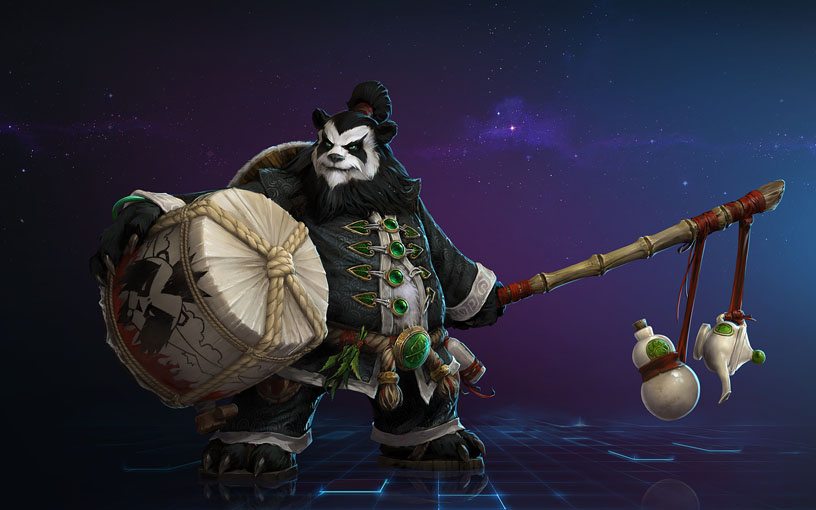

Here's a detailed guide on how to register for a Heroes of the Storm Alpha/Beta account, made by CM Mischyz of Asiasoft and edited a few for the players from the Philippines.
Step 1:
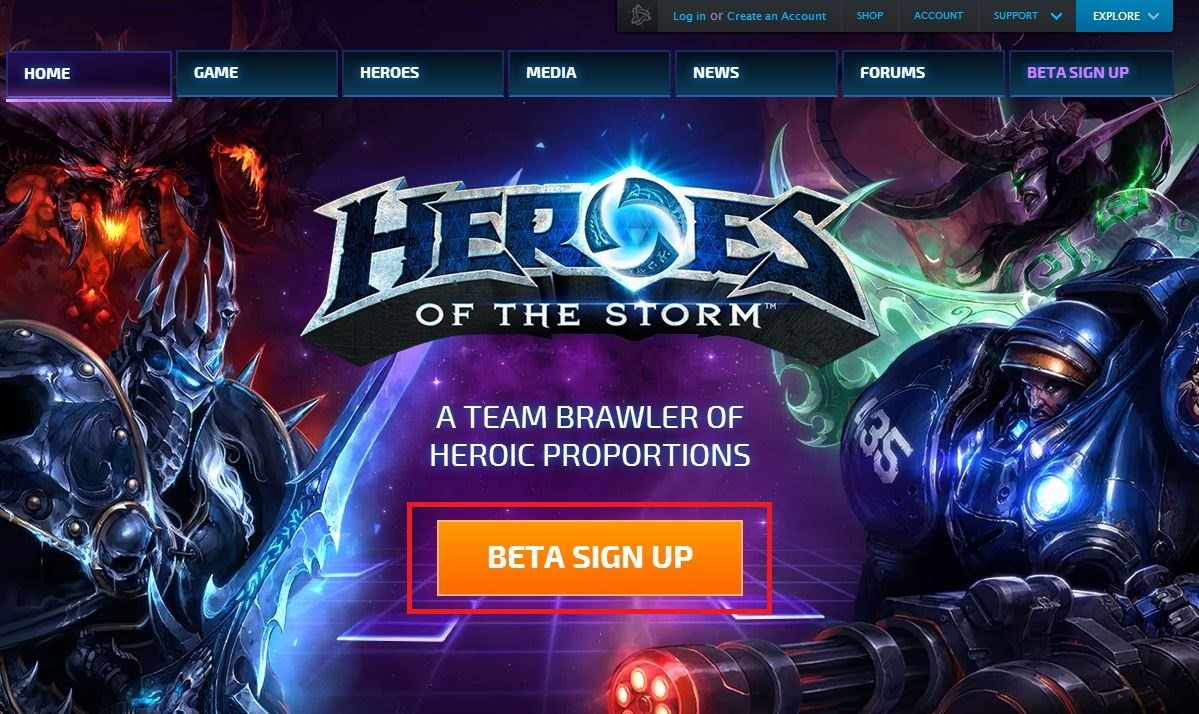
Navigate to http://www.heroessea.com/ and click on the ‘Beta Sign Up' button. You will then be directed to the Battle.net website.
Step 2:
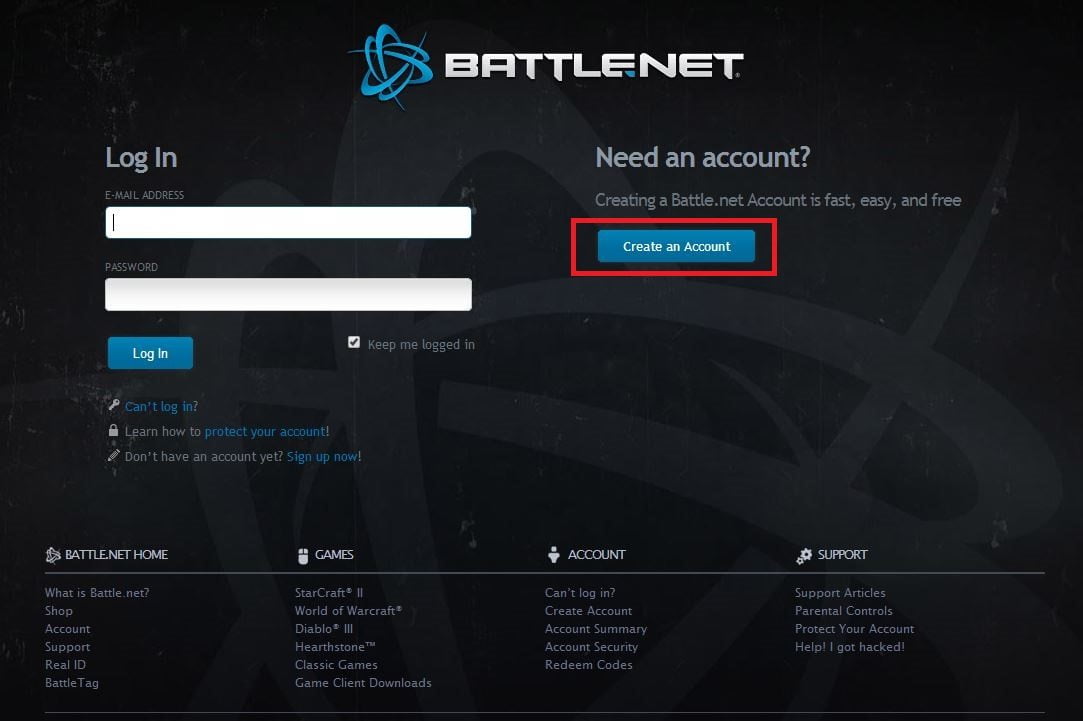
Click on the Create an Account button and follow the instructions on the next page.
Step 3:
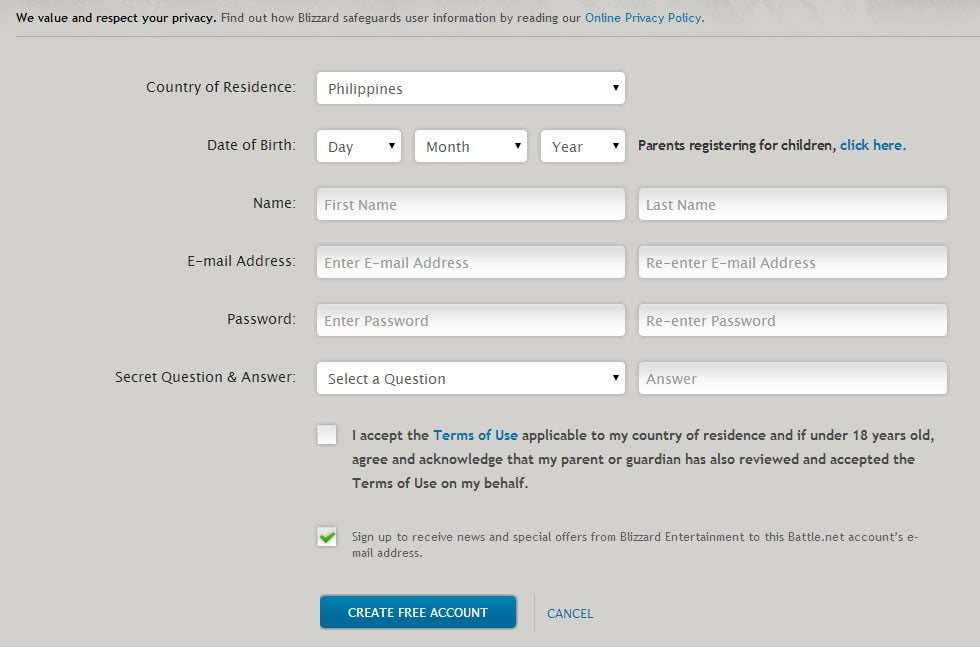
Enter your details into the form. Kindly ensure that you double check your entries and that your email address is valid. Your email will be your Battle.net Login ID.
Step 4:
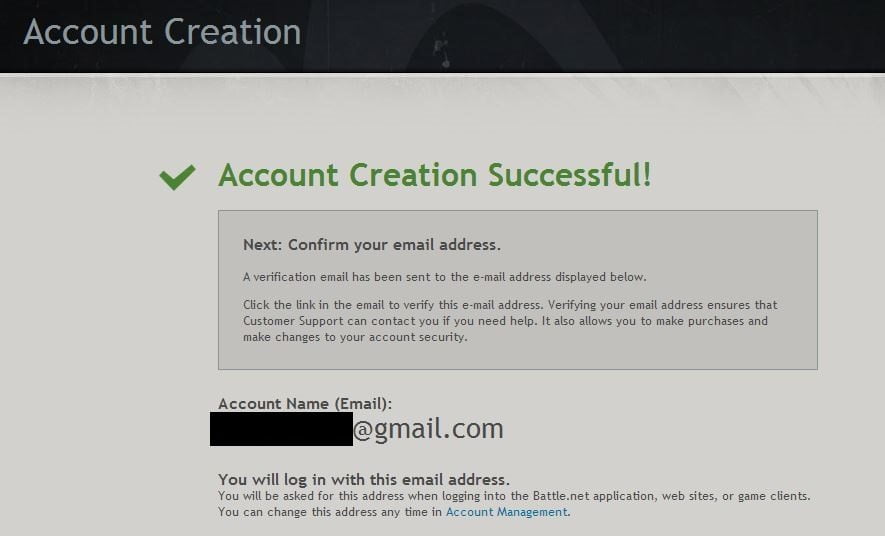
After you have successfully created your account, you will have to verify your email address as your Battle.net log in ID.
Step 5:
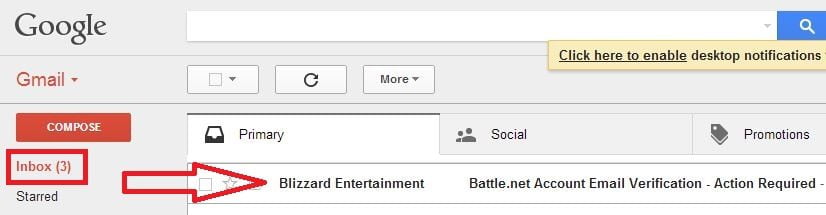
Log into your email inbox and check the email from ‘Blizzard Entertainment'. Kind reminder to check your Junk or Spam folder should you not receive it.
Step 6:
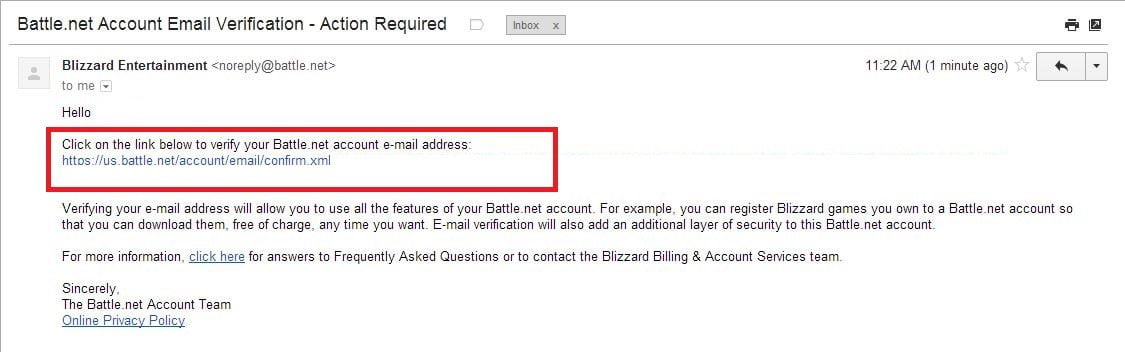
Click on the link to verify your email address.

Step 7:
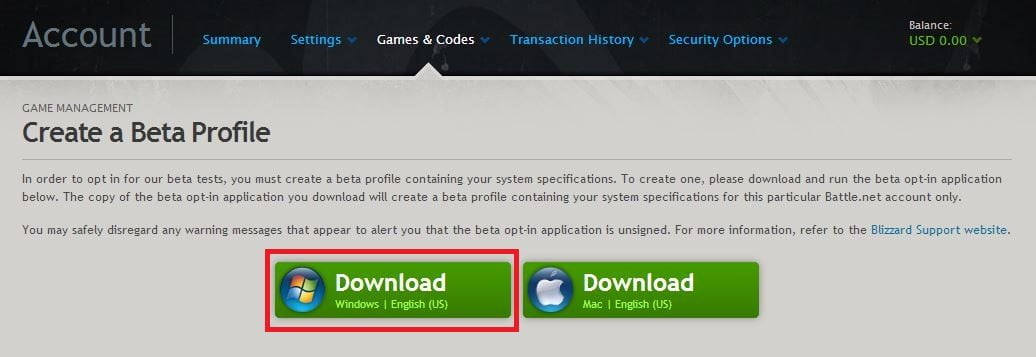
After validating your email address you will be directed to this page to create a Beta Profile.
Step 8:
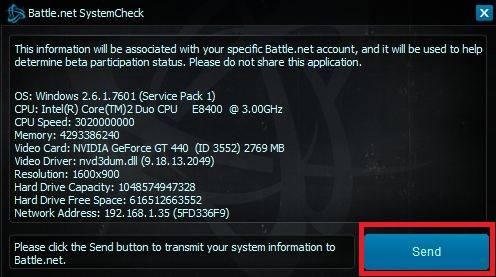
Download and run “SystemCheck_enUS.exe” the official verification program from Blizzard. Kindly ensure this step is completed and click on the Send button.
Step 9:
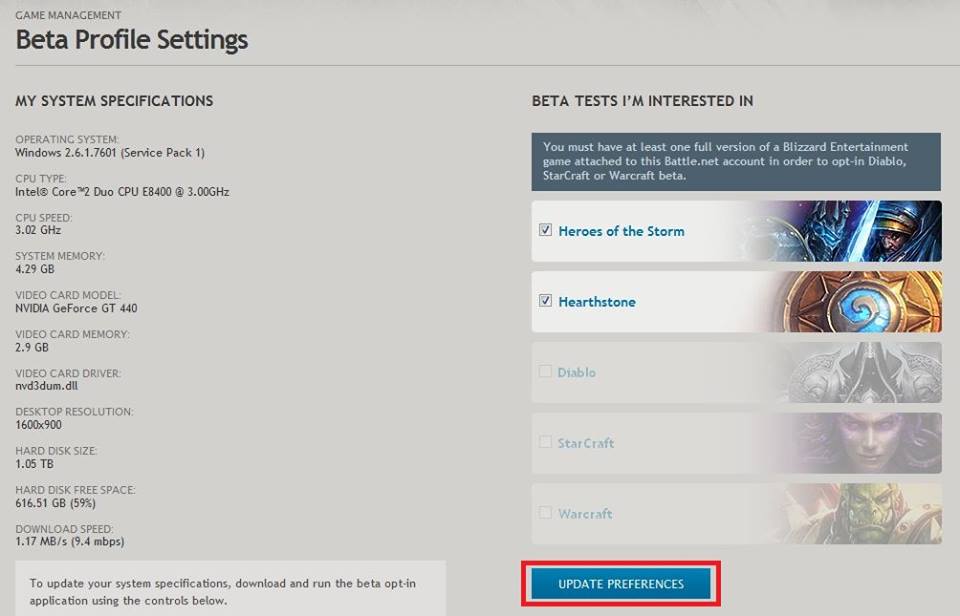
After you have successfully completed the Beta Verification program, you will be automatically directed to the ‘Beta Profile Settings' page. Check the box for Heroes of the Storm under ‘Beta Tests I'm Interested In' on the right side of the page and click on ‘Update Preferences.
Step 10:
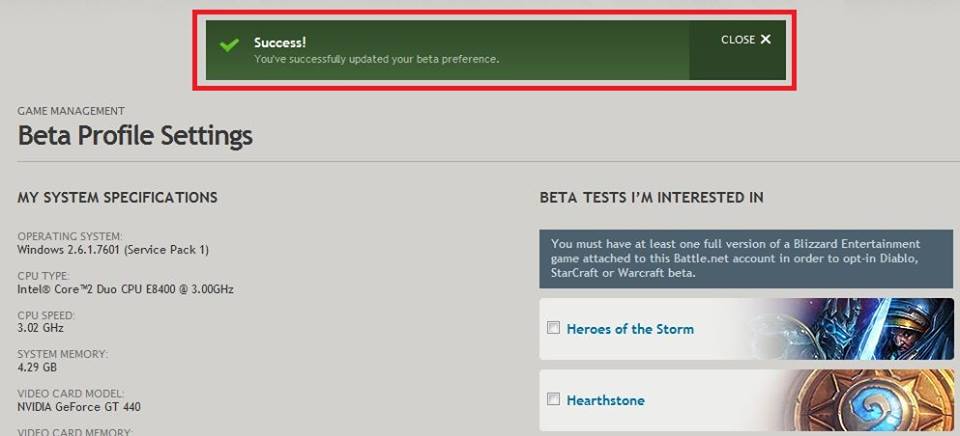
A notification will appear when your Beta Profile Settings Preferences have been successfully updated.
Step 11:
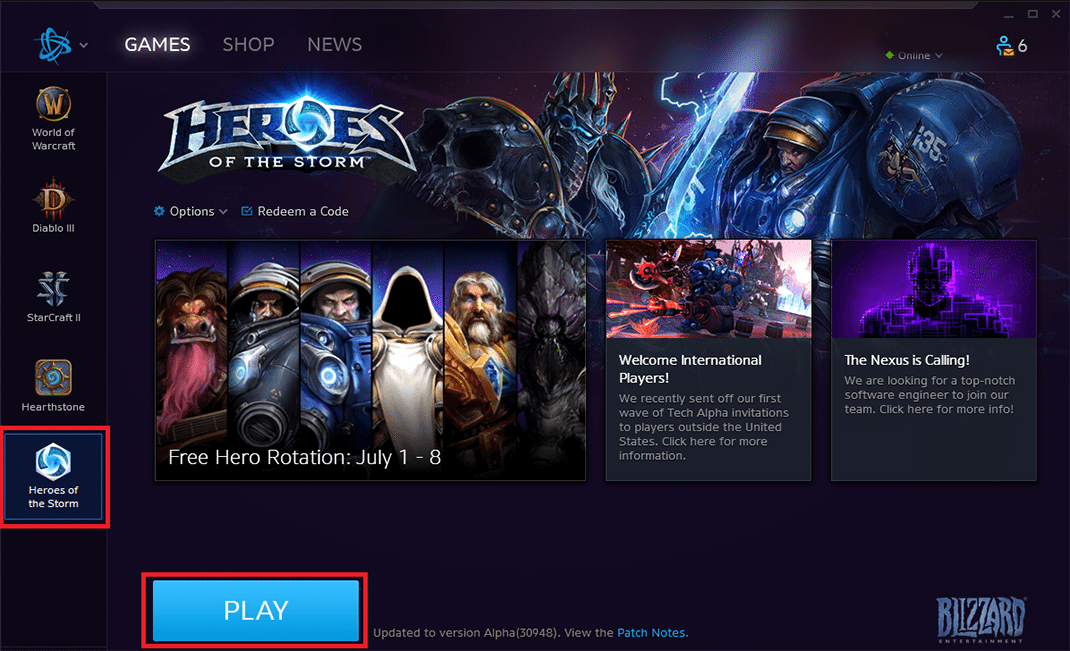
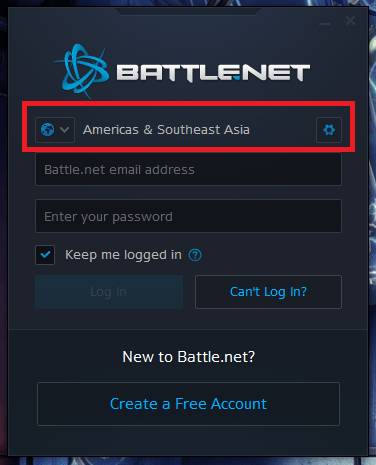
Launch your Battle.net desktop application. Log in with your details and check that your region is set to ‘Americas & Southeast Asia'. (If you don't have a Battle.net app, you can download [HERE])
Step 12:
Check that you have the Heroes of the Storm icon in the game list on the left hand side of the launcher. You can now launch the game by clicking on the ‘PLAY' button.