
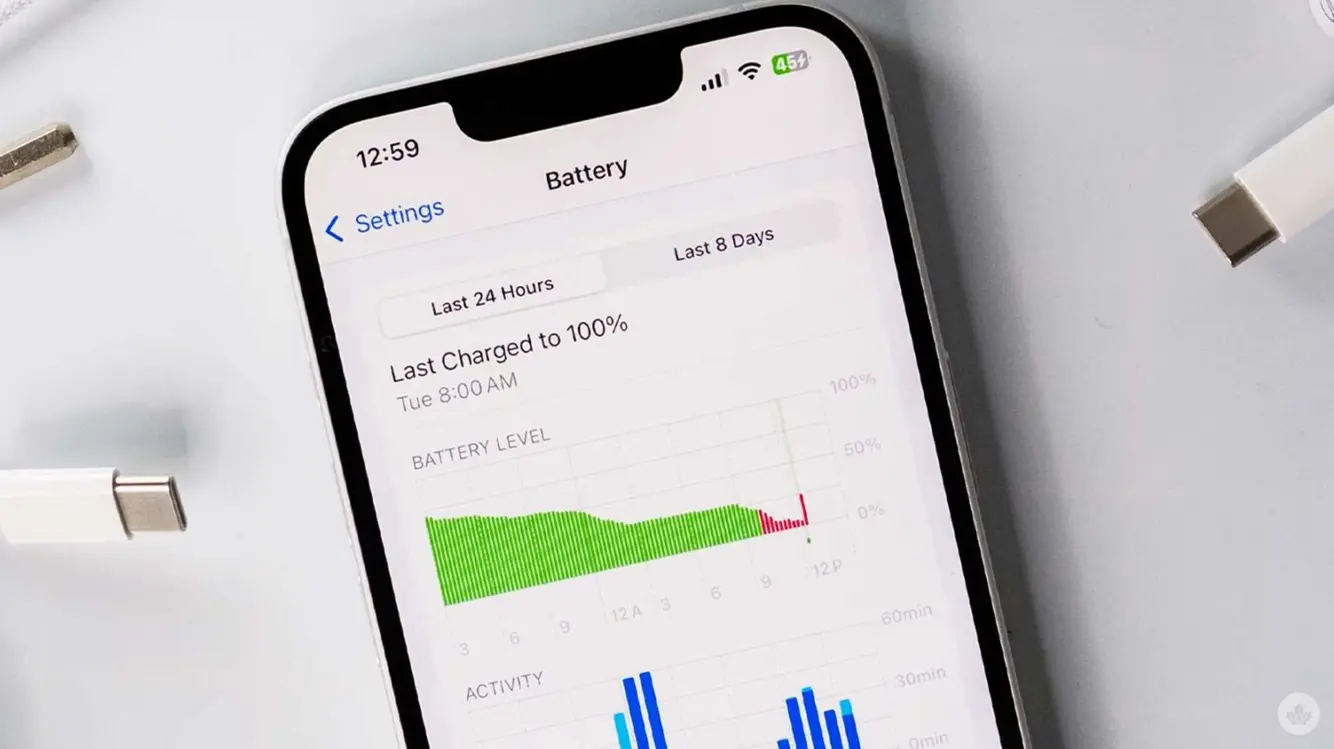

Debunking the 80 Percent Battery Limit Myth
I’m not here to chase a trend. I’ve seen too many pieces chasing a fake fix for iPhone batteries. The so‑called 80 percent cap isn’t a magic fix for daily users. It exists mainly to help devices that stay plugged in all day.
If you drive for a living and rely on CarPlay all day, the limit can help. It also helps tablets used as cash registers or left plugged in at a desk. For most people who charge at night or when the battery is low, it won’t help. It may even wear the battery faster.
What Really Helps Your Battery Last Longer
The fastest way to wear a battery is many full charge cycles. Fewer cycles mean better long‑term life. Keeping a battery topped up is not as harmful as you might think, but a complete battery cycle is the big enemy. Heat and cold matter too, but cycles matter most.
I found a battery study video that digs into charging, wireless charging, heat, and more. The video gives a clear view of how these factors affect a phone’s health over time. It’s a solid reminder that real life use matters more than a single setting.
Does Using Your Phone While It Charges Hurt It?
In the test I watched, iPhone 13 models were used. The testers noted heat can spike during wireless charging on some models. That heat can speed up wear. The newer iPhone lines, like the 16 and 17, seem to stay cooler during wireless charging. They also bring faster wireless charging speeds, which helps when you need a quick top‑up.
If you’ve read stories about people keeping their iPhone at an 80 percent limit for years, you’ll see it didn’t work well for them. If you don’t need to stay plugged in, skip the limit. If your device sits on a charger heavily, you’ll see a notice from iOS suggesting you consider a limit.
What Apple Really Says About Charging Limits
Apple’s support page uses the term “Charge Limit” to suggest ways to improve battery lifespan. It’s true in some cases, but not for everyone. To use a charging limit, you must turn off Battery Optimization. The page also warns that turning off charging optimizations can increase wear and reduce lifespan. The wording isn’t loud, but the message is clear.
That’s where confusion comes from. The language can mislead people into applying a limit when it isn’t needed. It’s easy to miss that turning off the feature can raise wear in some situations.
What This Means for Day‑to‑Day Use
For most folks, sticking to normal charging works just fine. If your phone is often plugged in, you won’t lose much by letting it top off. The best plan is to keep the device from heat and to avoid charging in hot cars or direct sun. A cool, well‑ventilated spot helps. Use night charging if that fits your routine, but don’t chase a strict 80 percent limit.
If you do want to squeeze a bit more life from your iPhone battery, here are practical tips:
– Keep the phone cooler with light cases and shade from sun.
– Avoid intense gaming or video streaming during long charging sessions.
– Enable Optimized Battery Charging to slow wear during long charges.
– Don’t try to hard‑limit every charge; use common sense for daily needs.
– When in doubt, trust your device’s built‑in alerts about Battery Health.

A steady charging habit over time matters more than a single setting. Realistically, most people will see the best results by charging normally and avoiding heat or stress on the battery. The aim is to lengthen overall life without turning daily use into a chore.
Smart, Simple Battery Habits for Gamers and Power Users
Gamers and power users put a lot of stress on phones. Quick tops ups and long sessions mean battery health should matter. The best path is balanced use: keep devices cool, use charging features when useful, and skip radical limits unless you know you need them. The goal is reliable performance, not a never‑ending puzzle of settings.
If you’re chasing real gains, focus on less downtime on full cycles. A few smart habits beat a heavy hand with every charge. Keep expectations sensible, and your iPhone will stay strong for longer.
Please note that when you make a purchase through our links at GameHaunt, we might earn a small commission. This helps us keep bringing you the free journalism you love on our site! And don’t worry, our editorial content remains totally unbiased. If you’d like to show some support, you can do so here.

