
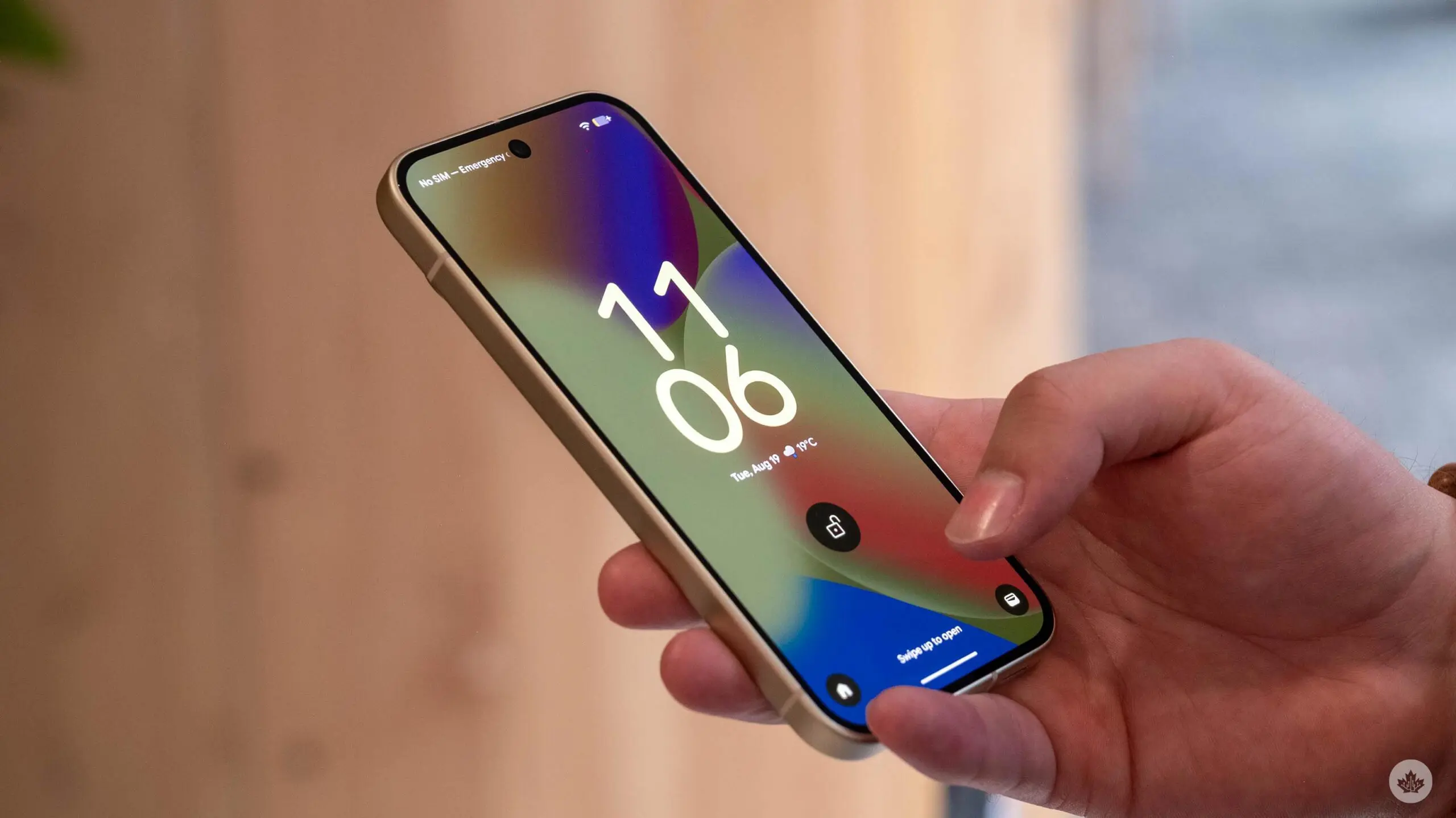

A Pixel Playbook: Features That Reach the Pixel 9 Series
Flagship phones love to show off features that later spread to older models. The Pixel 10 continues that trend. Here’s a clear look at the new tools that will also land on the Pixel 9 line.
Battery Health Assist Goes Wide
This tool starts on Pixel 9a and newer by default. You can switch it on older Pixels, back to the Pixel 6. It helps the phone last longer, but you may lose some speed after about 200 full charges.
For more on Battery Health, see Apple Support.
Fresh Call Screening Options
Google adds smarter call screening that can auto-record a message. It’s like a better voicemail and more helpful. The feature is coming to older phones, but it’s currently live in the U.S., U.K., Ireland, and Australia.
Call Notes to Help Remind You
A new note in the calling app grabs important parts of your talk. It helps you remember what you discussed. Right now, this works on Pixel 9 and 10 series in the U.S.
Material 3 Expressive Returns
The updated look fans wanted is back, and it travels with Google’s own apps. Even if you use a non-Google Android device, you’ll notice the style through the apps you rely on.
Gemini Live Updates Expand
Gemini gets a lot of tweaks. The updates will reach many Android users and some on iOS or the web. Google’s own blog details what’s new in Gemini, so you can see the full picture.
NotebookLM Gets Screens and Recorders Access
NotebookLM can now see what you’re doing in the Pixel Recorder and Screenshots apps. That helps it decide what to add to your AI notebook. It’s a step toward a smoother AI flow across tools.
Gboard Gets More AI Smarts
Google’s keyboard gains more AI features. Expect better suggestions and smarter voice typing. The updates make typing and dictation feel more natural.
Editing Photos with AI and Plain Language
In Google Photos, you can tell Gemini to edit a picture with simple words. You can request creative edits like new backgrounds or color fixes. It’s also handy for bringing old photos back to life, removing scratches, and restoring color.


What This Means for Pixel Fans
These upgrades show how Google blends AI with everyday tasks. You’ll see faster notes, smarter typing, and easier photo edits. The goal is to make your phone feel more like a capable assistant in daily life and play.
Behind the Scenes: How It All Connects
The updates tie together across apps you already use. You’ll see the same AI ideas in the Photos app, the keyboard, and the recorder tools. This cohesion helps you switch tasks without slowdowns. It’s a gentle upgrade path that keeps older Pixels useful for longer.
Should You Expect a Big Jump?
If you own a Pixel 9, 9a, or 10, you’ll notice fresh features arrive during updates. The changes aren’t a full hardware leap, but they improve daily work and play. Software helps phones feel newer without a new model.
Final Thoughts for the Curious
Google’s move to bring these tools to older devices shows how software can extend a phone’s life. It’s a practical mix of health checks, smarter chats, and creative editing. For gamers and power users, the extra AI help can speed up tasks and open new ways to share moments online.
Please note that when you make a purchase through our links at GameHaunt, we might earn a small commission. This helps us keep bringing you the free journalism you love on our site! And don’t worry, our editorial content remains totally unbiased. If you’d like to show some support, you can do so here.

