
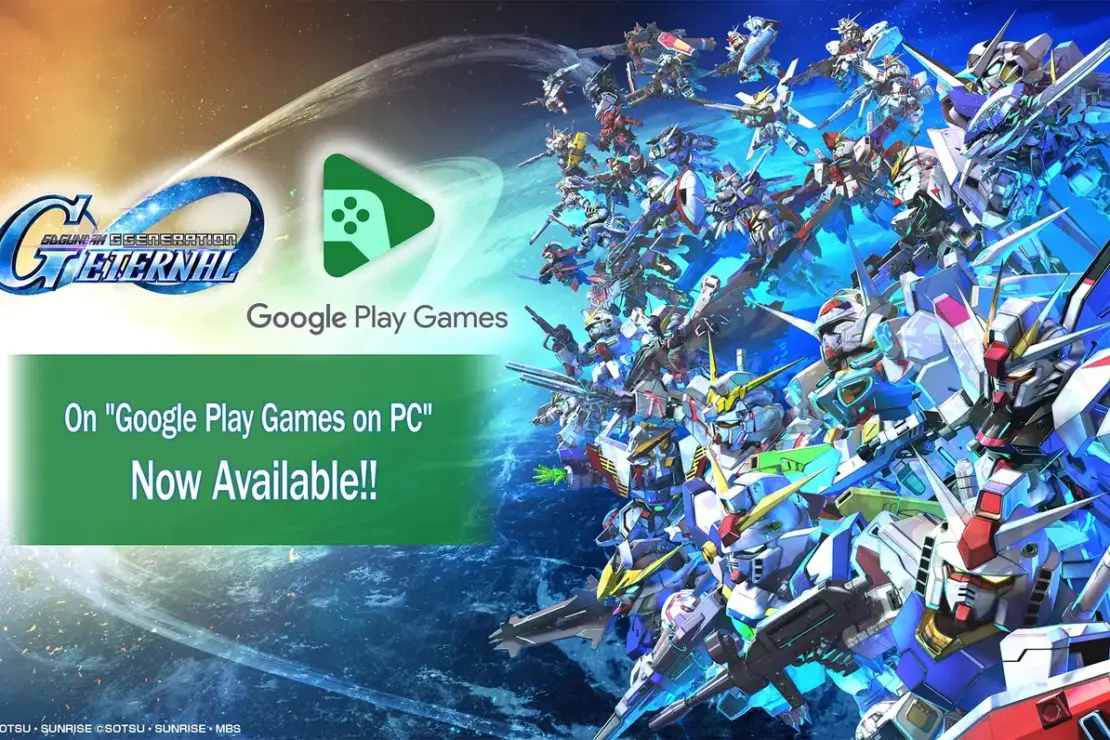

SD Gundam G Generation ETERNAL Arrives on PC Through Google Play Games
Bandai Namco brings SD Gundam G Generation ETERNAL to PC players via Google Play Games. The move lets fans play on Windows while keeping their mobile progress in sync. This update adds real flexibility, letting you switch between computer and phone without losing pace in battles and campaigns.
Cross-Platform Progress With a Simple Bandai Namco ID
Players can tie their accounts to swap saves across devices using a Bandai Namco ID. This means iOS users won’t see their data disappear when switching to PC. Some folks report a hiccup when copying and pasting credentials on the linking screen. Developers suggest typing the username and password manually to dodge login glitches.
What the PC Version Brings To the Table
The PC release carries all the core features of the mobile edition. On top of that, you’ll gain more comfortable play on a bigger screen. Expect smoother performance, sharper visuals, and the option to use a controller, keyboard, or mouse. The game pins you to over 600 Mobile Suits drawn from 83 Gundam titles, letting you form squads and relive iconic battles.
How The System Handles It
For PC players, the game lists clear hardware needs. You’ll want Windows 10, version 2004 or newer. A minimum of 8 GB of RAM is recommended, along with at least 10 GB of free space on an SSD. The PC build supports integrated GPUs such as Intel UHD Graphics 630 or better, ensuring accessible performance without high-end gear.
Getting It Playable On Your Rig
You can grab the PC version through Google Play Games, which runs the mobile title on a desktop setup. The store link provides a direct path to the download, making setup straightforward for fans who own the game on mobile too. The cross-play flow helps you keep your squads intact as you bounce between devices.

Tips For A Smooth Start On PC
– Use a controller or keyboard and mouse for precise battleground control.
– Make sure Google Play Games is updated to the latest version.
– Check your network connection before jumping into co-op or online battles.
– Start with a lower resolution if you see stuttering on older PCs, then ramp up as needed.
– Back up save data regularly via your Bandai Namco ID to prevent any surprises.


A Broader Way To Experience Gundam’s Tactical Depth
Bringing SD Gundam G Generation ETERNAL to PC broadens how fans enjoy this strategy-RPG. The move preserves the rich roster of mecha from dozens of games while adding PC conveniences. PC players gain choice in how they manage battles, squad building, and mission planning. The result is a refreshed way to chase epic Gundam clashes without being tied to a handheld screen.
Why This Matters For Gundam Fans
The shift to PC through Google Play Games unlocks new ways to play. Larger visuals, flexible control schemes, and a familiar save system keep the core appeal intact. The cross-platform flow means you can craft your dream team on a comfy desk chair and then test it during a commute. It’s a practical bridge between mobile accessibility and PC comfort.
What To Expect Next
As more titles ride this path, players will likely see more cross-platform titles land on PC via cloud-like services. For SD Gundam G Generation ETERNAL, the PC option is not a stripped-down port. It is a faithful companion that enhances how fans collect, fight, and script their own Gundam stories across screens.
Please note that when you make a purchase through our links at GameHaunt, we might earn a small commission. This helps us keep bringing you the free journalism you love on our site! And don’t worry, our editorial content remains totally unbiased. If you’d like to show some support, you can do so here.

